How it works
Built to train the part that study text can't: answering under exam pressure.
From 10 minutes up to a full 3‑hour paper.
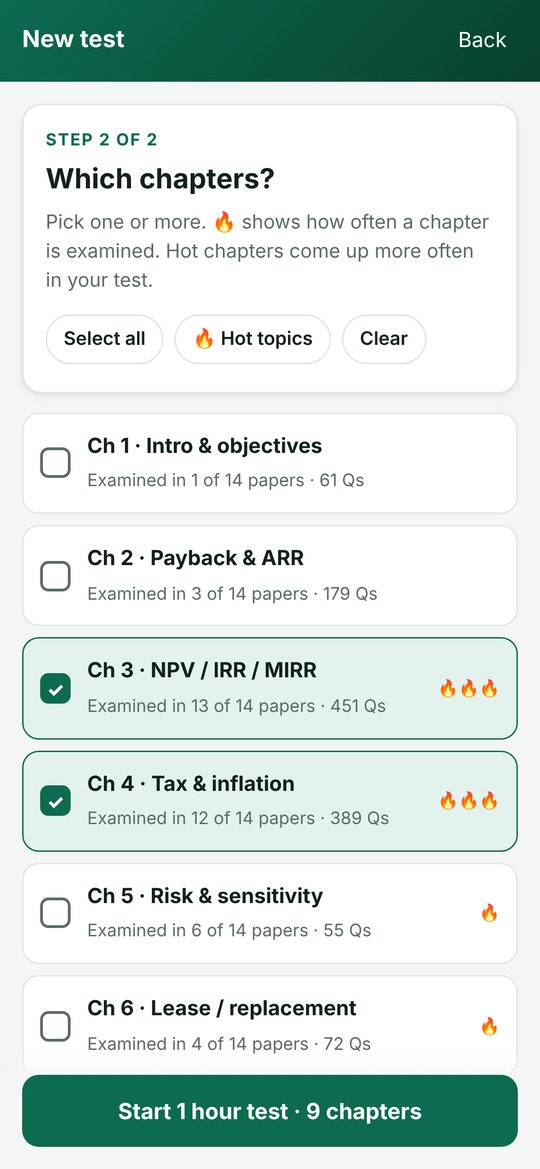
One, several, or just the hot topics.
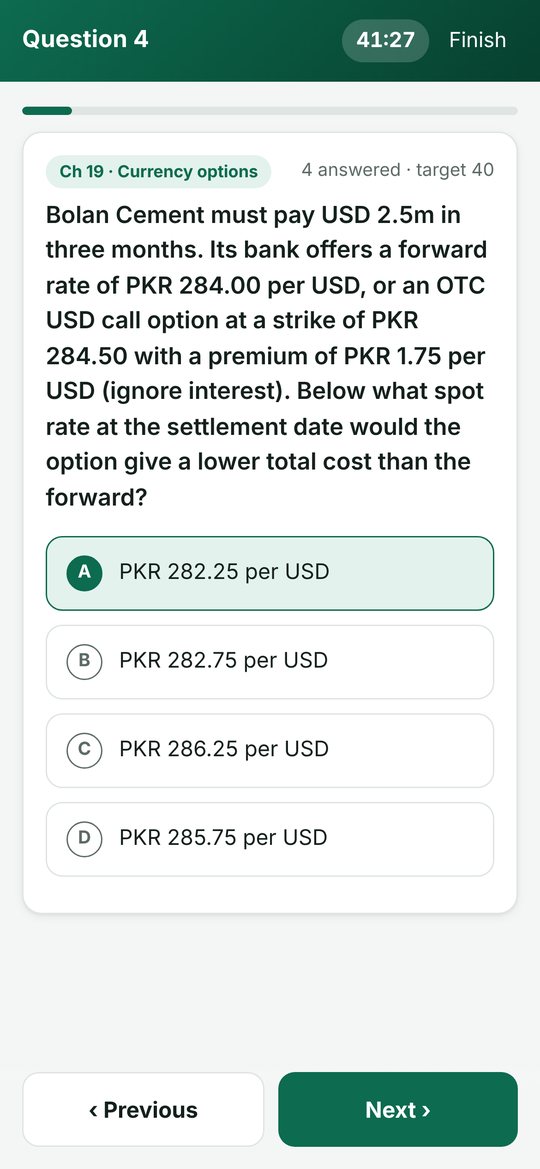
Questions keep coming until time is up, like the real exam.
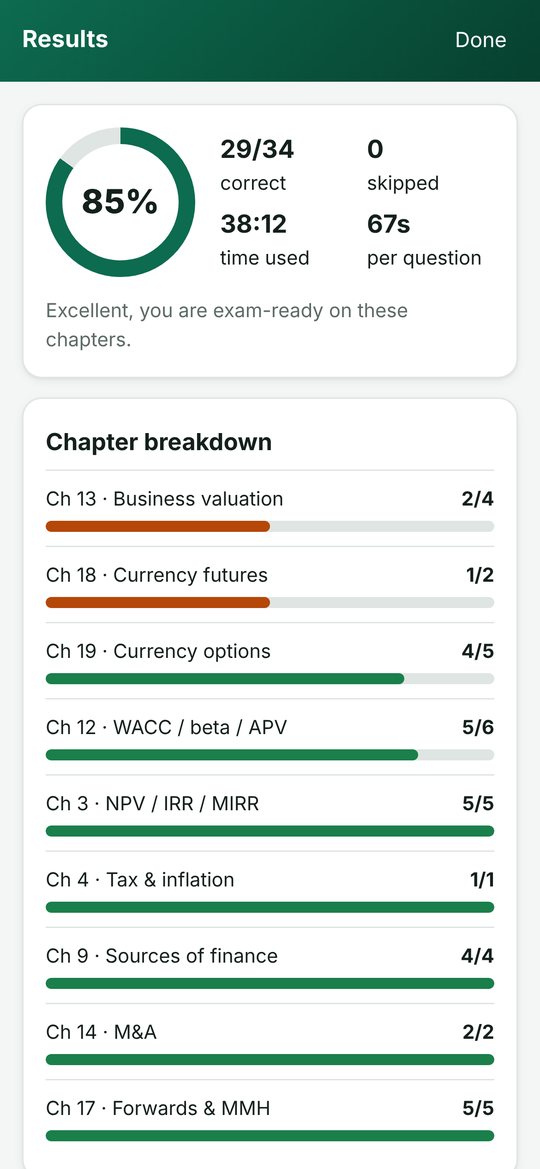
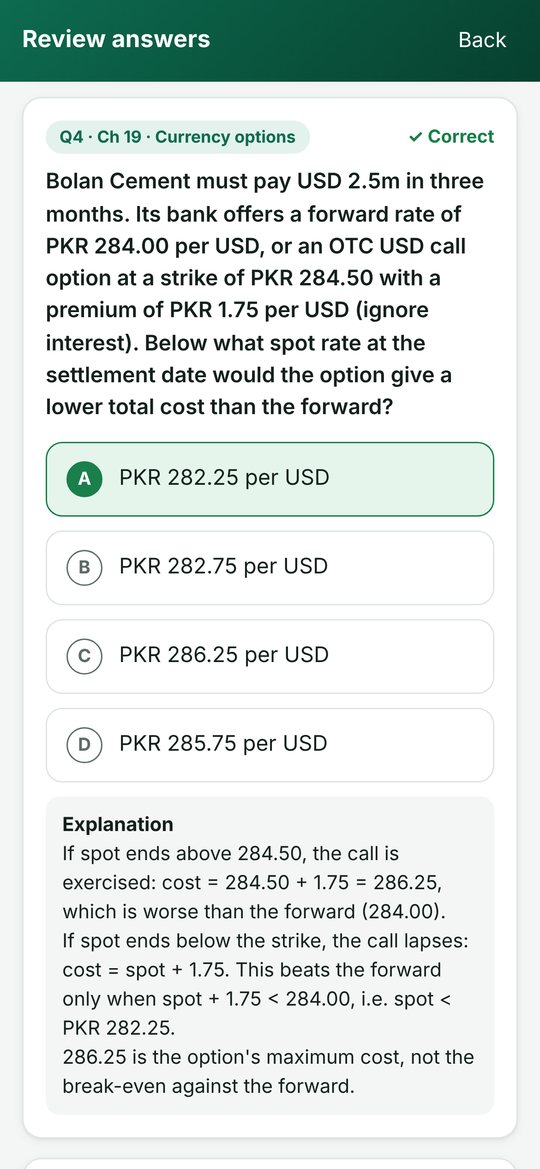
See your score, the correct answers and an explanation for each one.
What's inside
Original questions written for the CFAP-4 syllabus, weighted by past paper trends.
4,600+ MCQs
Concept and calculation questions across all 20 chapters of the study text.
Real calculations
2,800+ calculation MCQs: NPV and IRR, WACC, business valuation, forwards, futures, options and more.
Past paper trends
Chapters examined most often in 14 sittings (Winter 2019 to Autumn 2026) come up more often.
Quick start
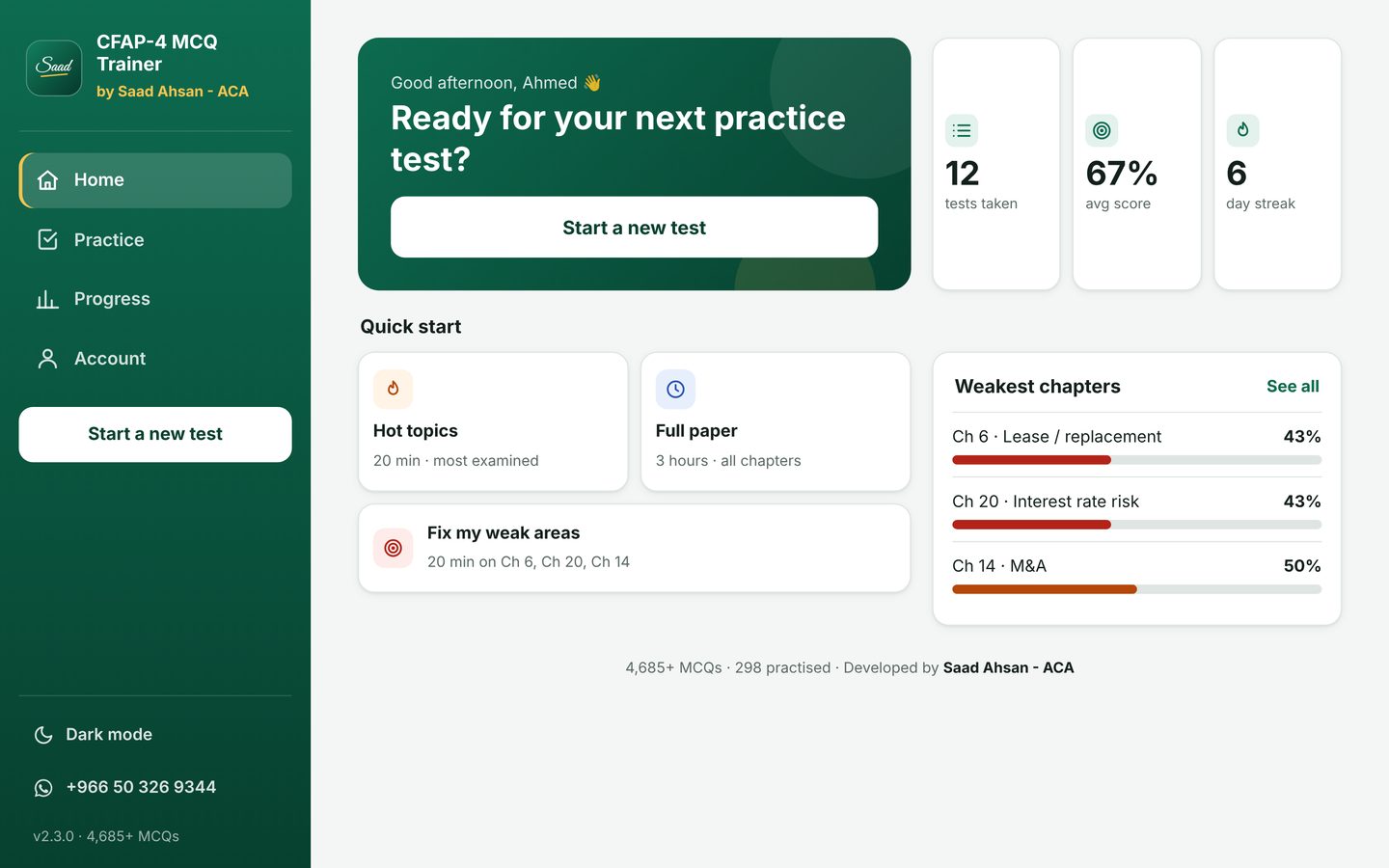
One tap for Hot topics, a Full paper, or Fix my weak areas.
Track progress
Scores, test history and chapter mastery, so you know your weak chapters early.
Light & dark
Easy on the eyes for late-night revision. Works offline once you've logged in.
Try it free for 3 days
Then Rs. 1,000 to keep using it.
after your 3-day free trial
- All 4,600+ MCQs and every chapter
- Android phone or Windows laptop
- One account works on one device
- Answers explained for every question
How to get started
- Download the app for Android or Windows from this page.
- Message Saad on WhatsApp with your email for a free 3-day trial login.
- Log in and start practising. Your account links to that device.
- Liked it? Pay Rs. 1,000 and your account stays active.
How to install
It takes about a minute. Pick your device:
- Tap “Android” to download
If Chrome says the file might be harmful, tap Download anyway. Chrome shows this for every app that isn't from the Play Store.
- Open the downloaded file
Tap Open, or find CFAP4-MCQ-Trainer.apk in your notifications or the Downloads folder.
- Allow the install (first time only)
If your phone asks, tap Settings, turn on Allow from this source, then go back.
- Tap “Install”, then “Open”
If Play Protect says it doesn't recognise the app, tap More details → Install anyway. Then log in with the email and password Saad sends you.
- Click “Windows laptop” to download
The installer is 84 MB. If your browser asks, choose Keep.
- Open CFAP4-MCQ-Trainer-Setup.exe
If Windows shows “Windows protected your PC”, click More info → Run anyway. Windows shows this for new apps from small developers.
- Click “Install”
No admin rights needed. It adds a CFAP-4 MCQ Trainer icon to your desktop and Start menu.
- Open it and log in
Use the email and password Saad sends you. The laptop version has a full-screen dashboard with a side menu.
Questions
How does the free trial work?
Download the app, then WhatsApp Saad on +966 50 326 9344 with your email. You'll get a login with full access for 3 days. To keep using it after that, pay Rs. 1,000 and your account stays active.
Can I use it on my phone and my laptop?
One account works on one device, either an Android phone or a Windows laptop. If you change your phone or laptop, message Saad and he'll move your account to the new device.
Does it need internet?
You need internet to log in. After that, tests work offline. The app checks your account again when you're back online.
Is there an iPhone or Mac version?
Not yet. It's available for Android phones and Windows laptops.
Which chapters are covered?
All 20 chapters of the CFAP-4 Strategic Business Finance (formerly BFD) study text, from investment appraisal and WACC to business valuation and currency and interest rate risk.
How do I update?
Come back to this page, download the latest version and install it over the old one. Your account and progress are kept.
CFAP-4 MCQ Trainer is an independent study tool by Saad Ahsan, ACA. It is not affiliated with or endorsed by ICAP.